
 Blender
 ZBrush
 Premiere Pro
 After Effects
Every world begins
with an idea.
A character that feels alive. A prop that tells a story. A world you want to explore. 3D creation brings observation, design and technical craft together.
Before an audience sees a finished scene, an artist makes hundreds of choices: the shape of a silhouette, the surface of a material, the weight of a movement and the direction of a light. Learning 3D means understanding how these choices connect, then developing the skills to make them deliberately.
At Render, explore the journey from building your first objects to presenting a finished piece. The depth of modeling, animation and production work depends on the programme you choose; the syllabus below explains what each duration covers.
Build more than a model.
Start by looking closely at everyday objects. Where does a surface curve? How thick is an edge? Which details make something look heavy, soft or worn? These observations become the foundation of believable digital work.
Characters & props
A character combines proportion, expression, costume and personality. Props introduce manageable challenges in shape and surface detail: a chair, a tool or a piece of equipment can teach the same core principles used in larger productions.
Scenes & storytelling
Objects become more meaningful when they belong to a scene. Composition, camera placement and lighting guide the viewer’s attention. Even a small scene can communicate a mood when its visual decisions work together.
Follow the production journey.
A strong result grows through stages. Each stage solves a different problem, and a decision made early can make later work easier. Use this breakdown to understand the process before exploring the programme syllabus.
Reference & planning
Gather references for shape, construction, materials and mood. Decide what you want the finished work to communicate, then break the task into manageable parts. A simple blockout lets you test proportion and composition before spending time on details.
Practice focus Compare a blockout against your references from more than one angle.
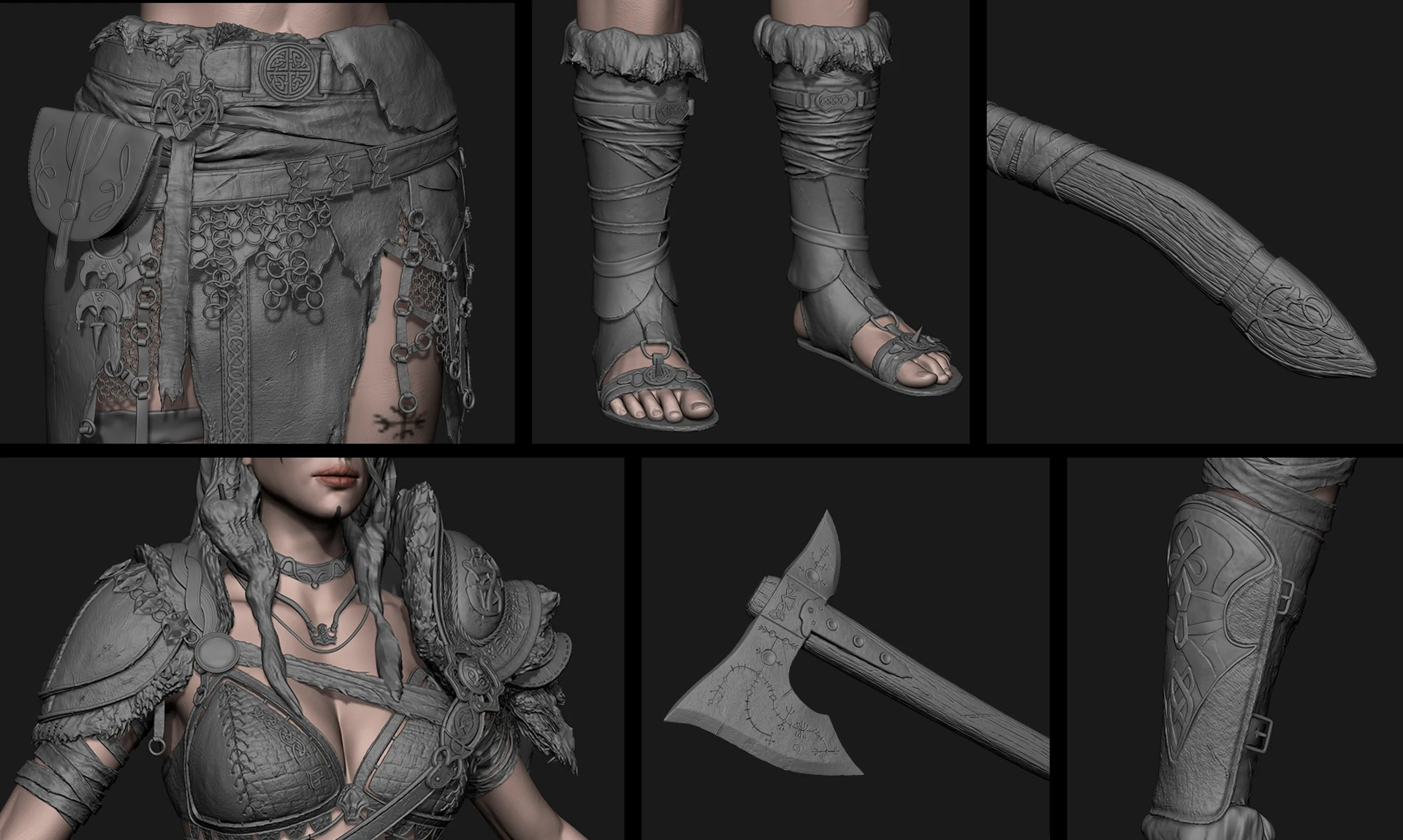
Modeling & sculpting
Build the object’s overall form, refine its silhouette and organise its geometry. Polygon modeling helps you control structure; sculpting adds organic forms and surface detail. Good topology supports clean shading and, when required, deformation for animation.
Practice focus Check the silhouette first, then inspect edges and surface flow.
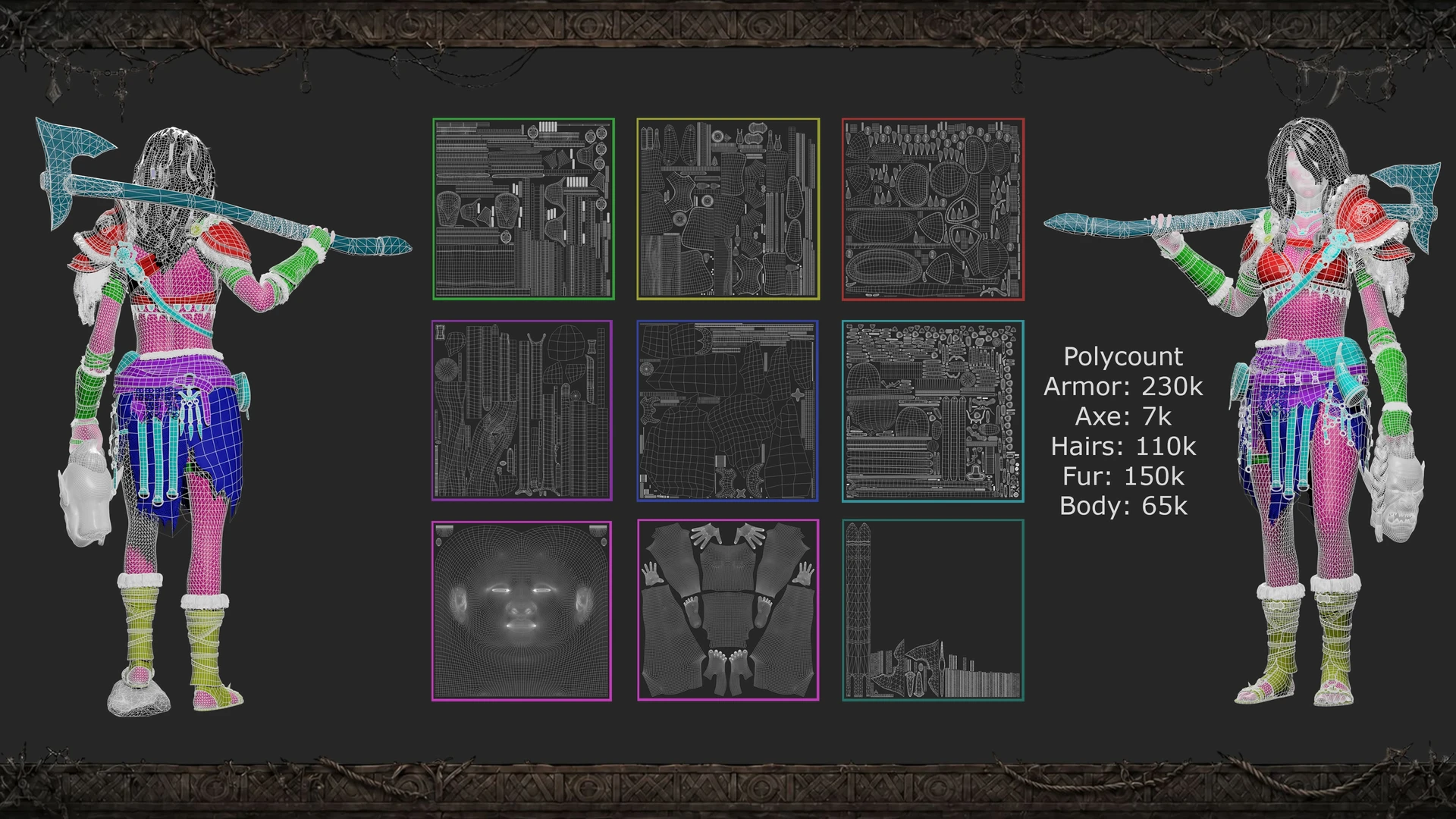
UVs, textures & materials
UV mapping lays out a three-dimensional surface so that images can be applied to it. Texturing describes colour and surface variation; material settings control how light responds. Think about where an object is handled, how it ages and which areas should feel smooth or rough.
Practice focus Use clear UV organisation and test materials under neutral lighting.
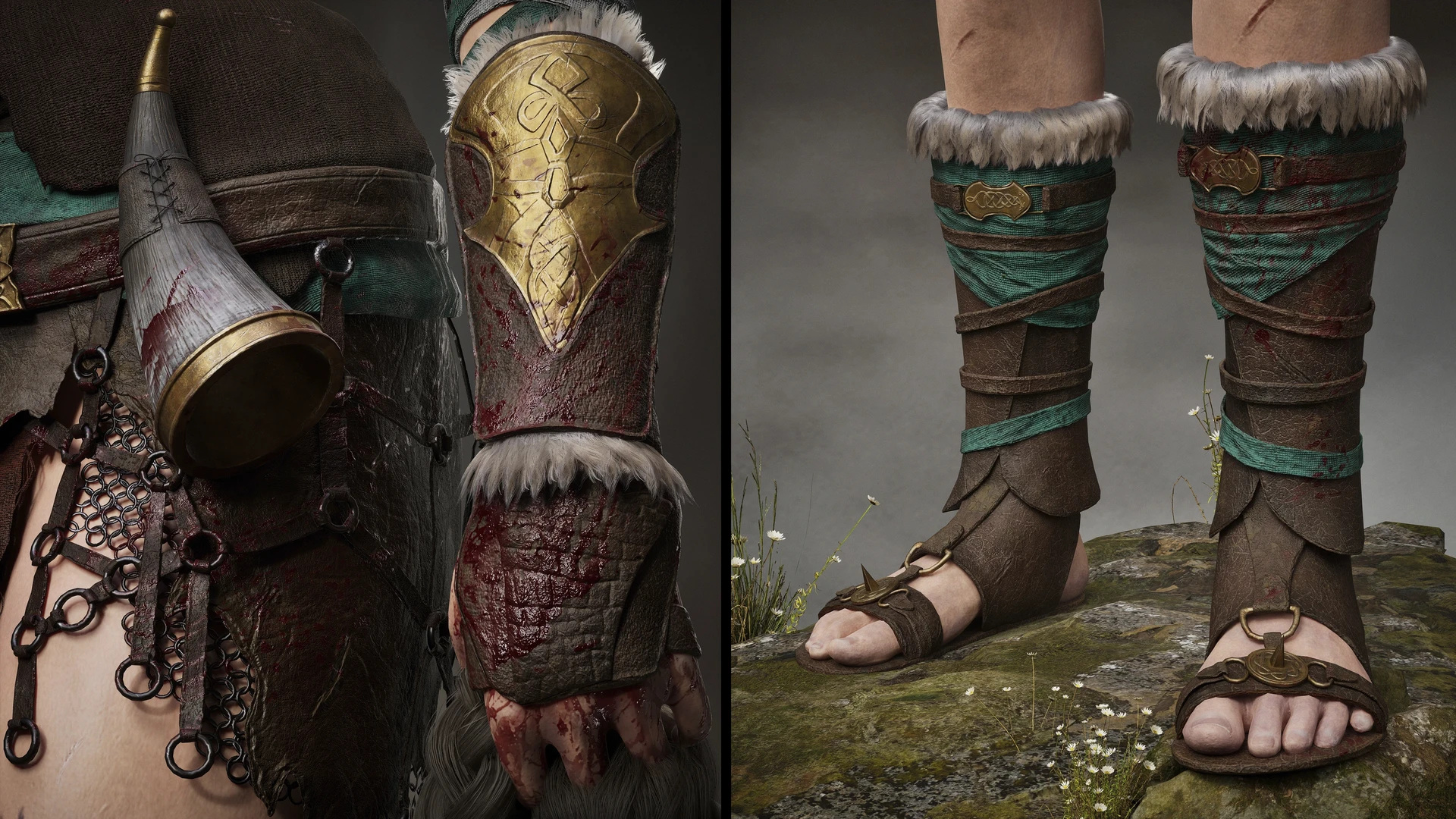
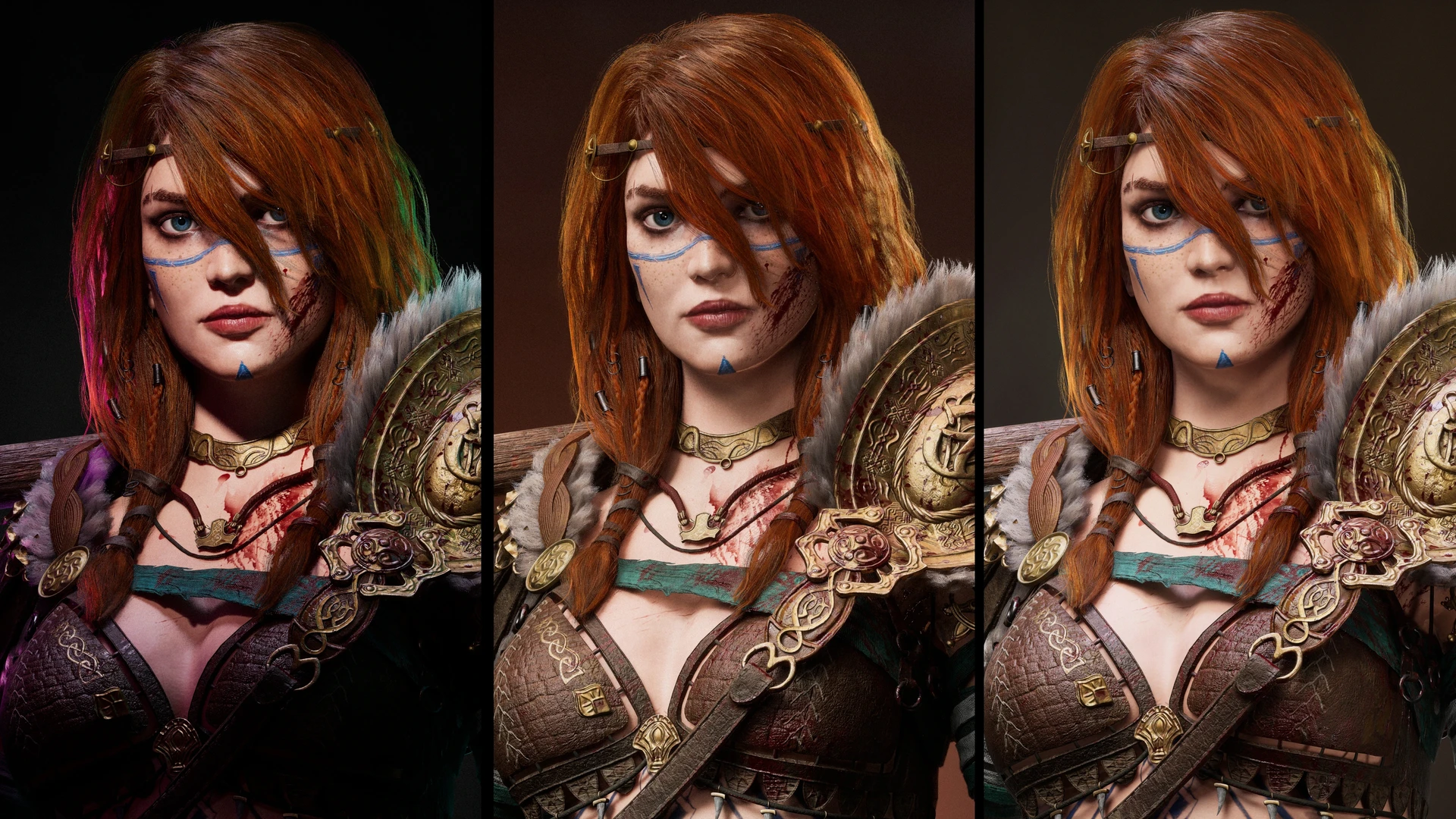
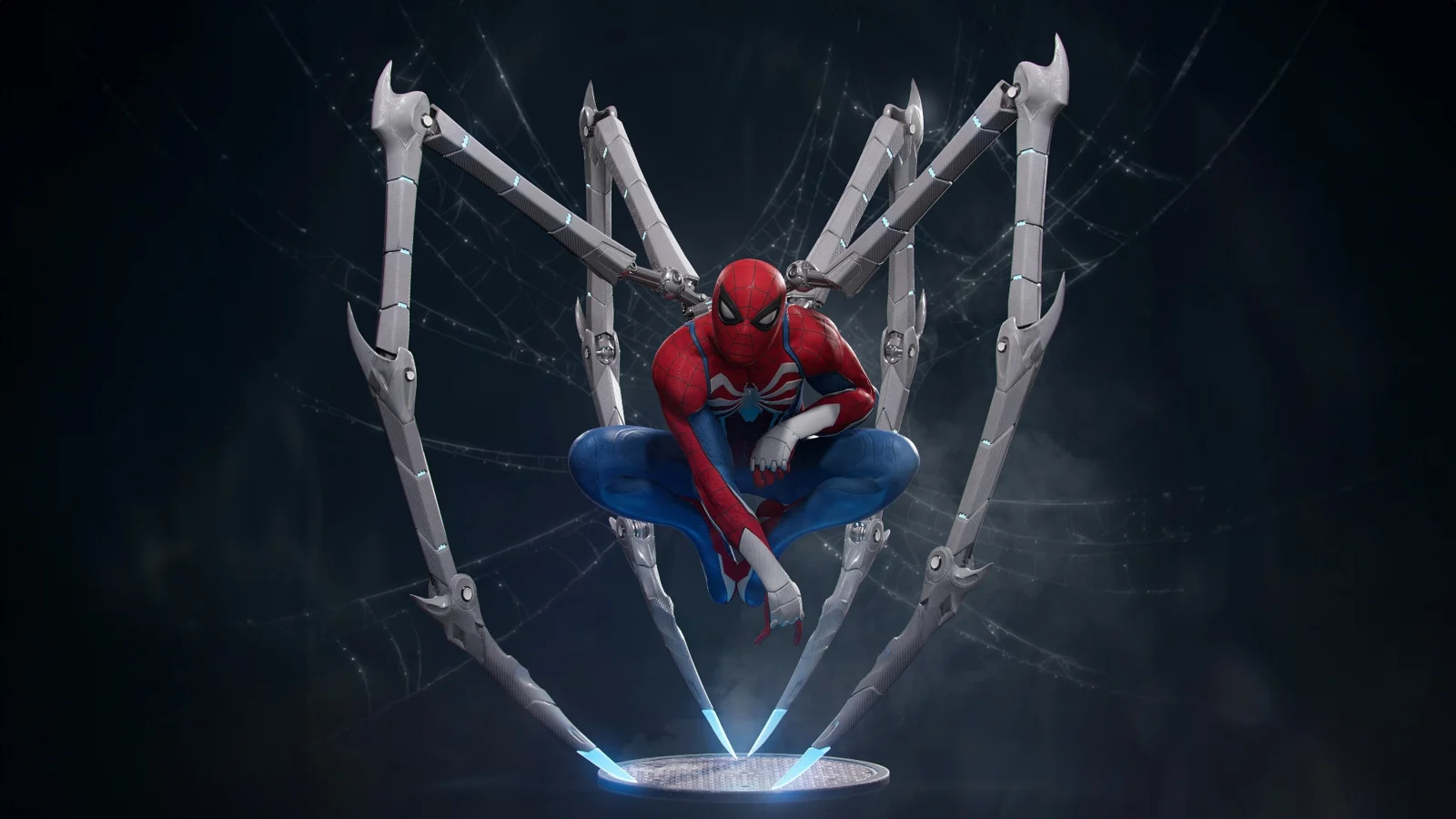
Artwork credit: Ivan Meng · Reference artwork
Rigging & animation
A rig provides controls that let an artist pose and move a model. Animation uses those controls to shape timing, spacing, balance and expression. A convincing action begins with clear poses and readable weight before smaller details are added.
Practice focus Study an action, identify its key poses and refine the transitions between them.
Lighting, rendering & finishing
Lighting reveals form and creates atmosphere. Camera choices guide composition, while rendering converts the scene into images. Compositing brings passes together and helps refine the final presentation. Review the result for consistency rather than relying on detail alone.
Practice focus Compare lighting variations and choose the one that communicates your intended mood.
Show the work.
Explain the decisions.
A portfolio is more than a collection of final pictures. Show a small selection of resolved pieces and explain what you contributed. Include references, a wireframe or material breakdown where they help someone understand your process.
A focused asset study
Present a prop or model with clear views, a consistent material treatment and a short explanation of the design. This is a practical way to demonstrate control of form, UVs and surface detail.
A scene or motion study
A composed scene can demonstrate lighting and camera choices. An animation study can show poses, timing and weight. Choose work that matches the skills covered in your selected programme.
Keep your strongest work first. Use readable captions, avoid repeating similar views and distinguish your own contribution from any shared assets. Trainer feedback and revision help you identify which pieces need more development before they enter your portfolio.
Different skills. Different creative roles.
3D work offers several areas of specialisation. A modeler focuses on shape and geometry; a texture artist develops surfaces; a rigger creates animation controls; an animator communicates movement and performance; a lighting artist shapes the final image.
You do not need to choose a specialisation on day one. Explore the production process, notice which tasks interest you and build relevant evidence in your portfolio. Entry requirements vary by role and employer, and course completion alone does not guarantee employment.
Choose your learning journey.
Compare the available programmes below. Read the full syllabus for the duration you are considering, including its software, practical topics and final work. Shorter programmes establish a foundation; longer programmes provide time for the additional subjects listed in their syllabus.