

 Blender
 Premiere Pro
 After Effects
 Nuke
NukeTHE CREATIVE PROCESS / VFX & 3D
Make separate elements feel like one shot.
Visual effects combines footage, images and digital elements into a coherent result. Perspective, light, colour and movement need to agree. Small differences in sharpness, grain or shadows can make an otherwise detailed composite feel disconnected.
Study the source footage, prepare the elements and organise the composite. Solve broad integration issues before refining small details. Review the result in motion and compare it with the original plate, paying attention to edges, scale, light direction and motion blur.
Explore the complete creative process below, then read the selected programme syllabus for its software, topics and project scope. These production stages explain how the discipline works; they are not a replacement for the month-by-month training plan.
01 / THINK LIKE A CREATOR
What can you create?
Build effects shots by combining footage, prepared images and digital elements. Cleanup, screen replacement and CG integration solve different problems but all require careful observation of the source plate. Start with a shot whose requirements you can clearly identify.
02 / FROM IDEA TO FINISHED WORK
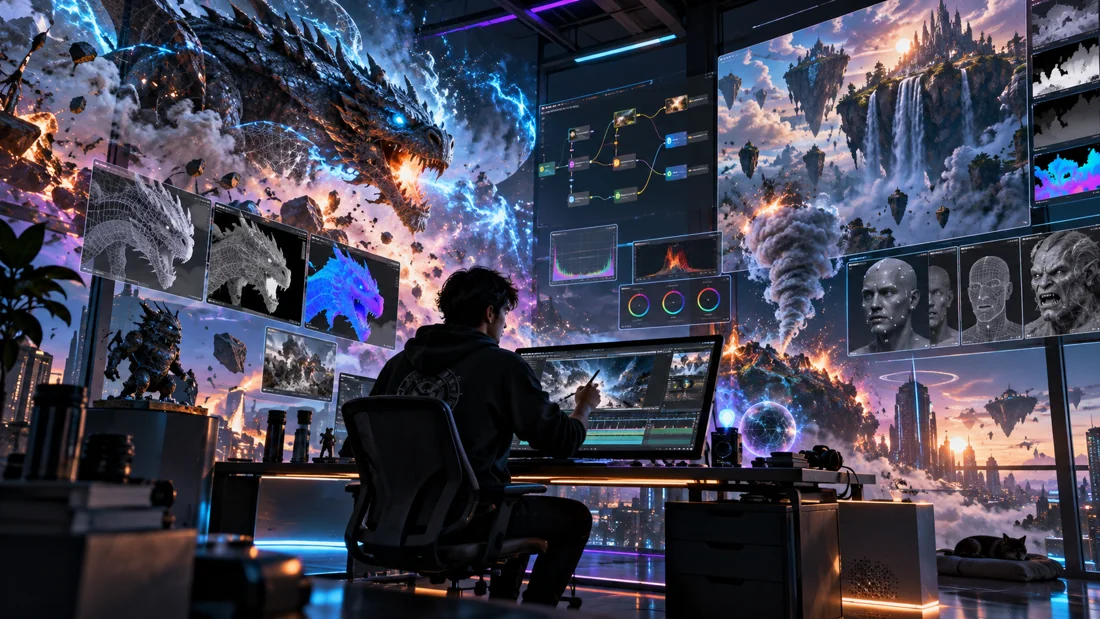
The vfx & 3d production journey.
Follow each stage in order to understand its purpose, the decisions involved and how its result supports the next step. Review and revision are part of every stage.
Shot analysis & planning
Study the source plate and define what must change. Identify camera movement, light direction, perspective and areas that require preparation. Plan the elements and passes you will need before beginning the composite.
Practice focusWrite a shot brief and identify the main integration challenges.
Rotoscoping, tracking & cleanup
Prepare the footage using the techniques covered in the syllabus. Isolation, motion tracking and cleanup provide a workable foundation for added elements. Review the result over time, because errors that are subtle in one frame can become obvious in motion.
Practice focusInspect edges and tracked elements through the full shot.
3D asset & scene preparation
When a shot needs CG, build or prepare the required model, materials and scene. Match scale and perspective to the plate. Keep the asset focused on what the camera needs to see, and review it in the context of the intended shot.
Practice focusTest the CG element against the plate before refining small details.
Lighting, cameras & render passes
Match the camera and light behaviour as closely as the shot requires. Plan useful render outputs for compositing and make small tests first. Shadows, reflections and surface response all contribute to whether the element belongs in the scene.
Practice focusCompare the CG lighting with visible cues in the source footage.
Compositing & integration
Combine the elements and refine colour, contrast, edges and depth. Check sharpness, grain, motion blur and shadows against the plate. Work from the largest visual mismatch towards smaller details, reviewing the sequence both in motion and on selected frames.
Practice focusCompare the original plate and composite to identify remaining inconsistencies.
Quality review & breakdown
Play the exported shot from start to finish and check for frame-specific problems. Build a concise breakdown that makes the process understandable. Showing how you solved the integration problem is more informative than presenting an unexplained effect alone.
Practice focusPresent the plate, selected layers and final composite with accurate credits.
03 / MAKE YOUR PROGRESS VISIBLE
Show the work. Explain the decisions.
Present source material, selected intermediate stages and the finished shot. Credit shared footage or assets and explain the cleanup, tracking, CG preparation or compositing you completed. The programme below defines the techniques and production depth covered.
Keep the strongest work first. Use a short brief, selected process views and the final result to explain a project. Include feedback-driven improvements where they help someone understand your development. State which parts you created and credit shared assets.
04 / FIND YOUR DIRECTION
Connect your skills with a creative role.
Compositing, cleanup and CG integration need different technical evidence. Use breakdowns to show the original material, your intervention and the final result. State your contribution accurately and credit footage, models or elements supplied by others.
05 / YOUR LEARNING JOURNEY
Explore the programme in detail.
Read the programme information below for the exact training topics, software and practical work. Month headings describe the teaching schedule; the process above explains how those skills connect in a production. Where a syllabus groups several months together, that grouping is retained.
Visual references illustrate creative workflows, not student project results. Project complexity follows the selected syllabus. Course completion does not guarantee employment.