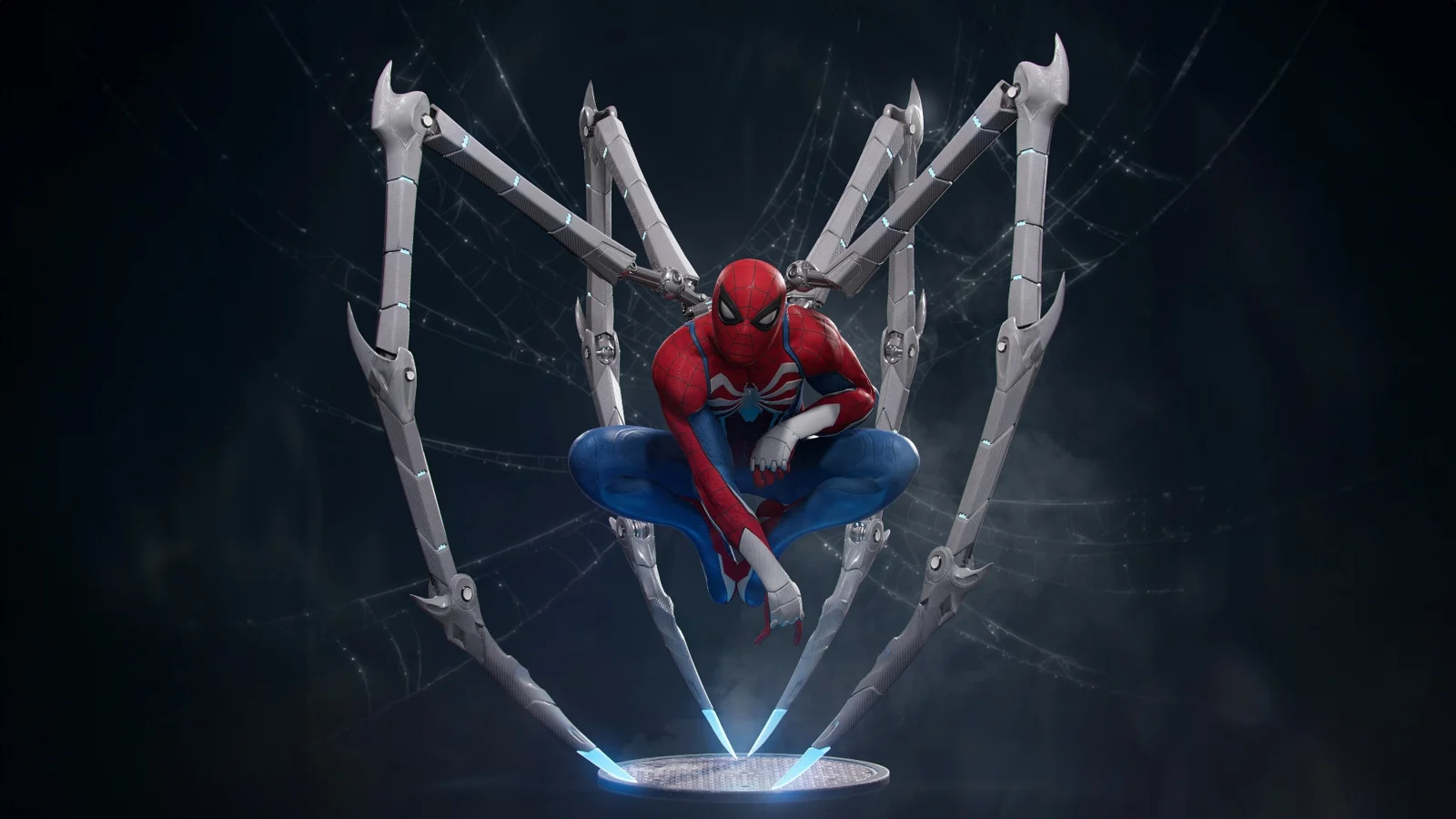
Certificate Program in 3D Animation
The Certificate Program in 3D Animation is a comprehensive 3-month foundation-level program designed to introduce students to the complete fundamentals of the 3D animation and digital content creation industry. The course provides a structured learning pathway covering 3D concepts, modeling, UV mapping, texturing, animation, lighting, camera work, and rendering.
Compare programmes
Select a programme to see its full syllabus and projects.
Your creative toolkit
 Autodesk Maya
 Adobe PhotoshopSubstance 3D Painter
Autodesk Maya, Adobe Photoshop, Substance 3D Painter
Full course syllabus
- Certificate Program in 3D Animation
- Duration: 3 Months | Foundation Level | Industry-Oriented
Course Summary
The Certificate Program in 3D Animation is a comprehensive 3-month foundation-level program designed to introduce students to the complete fundamentals of the 3D animation and digital content creation industry. The course provides a structured learning pathway covering 3D concepts, modeling, UV mapping, texturing, animation, lighting, camera work, and rendering.
Students will learn the essential stages of a basic 3D production pipeline, understanding how a simple idea is developed into a finished 3D asset or animation. The program follows a practical workflow:
- Concept → Modeling → UV Mapping → Texturing → Animation → Lighting → Rendering
Students will receive hands-on training in Autodesk Maya, Adobe Photoshop, and Adobe Substance 3D Painter. Each software is introduced according to its role in the 3D workflow. Maya is used for modeling, animation, lighting, and rendering; Photoshop is used for preparing and editing texture images; and Substance 3D Painter is used for creating basic professional PBR textures.
The course combines 3D theory, software training, practical exercises, asset creation, texturing projects, animation exercises, and a final integrated 3D project. By the end of the program, students will have a strong foundation for progressing into advanced areas such as character animation, advanced modeling, rigging, environment design, VFX, game art, and professional 3D production.
- 📅 Month 1 — 3D Fundamentals & Modeling
The first month focuses on developing a strong understanding of the 3D industry, production pipeline, 3D space, and polygon modeling fundamentals.
Students will begin by understanding how 3D models are created and used in animation, films, games, advertising, product visualization, and other digital media.
- Autodesk Maya
- 3D Fundamentals
- Introduction to the 3D Industry
- Understanding 3D Production
- Basic 3D Pipeline
- Understanding 3D Space
- Objects and Transformations
- Coordinate Systems
- Scene Organization
- Maya Fundamentals
- Maya Interface & Workspace
- Viewports & Navigation
- Outliner & Scene Management
- Transform Tools
- Move, Rotate & Scale
- Pivot Points
- Object Selection
- Basic Object Management
- Polygon Modeling
- Introduction to Polygon Modeling
- Understanding Vertices
- Understanding Edges
- Understanding Faces
- Polygon Primitives
- Component Selection
- Extrude
- Bevel
- Insert Edge Loops
- Multi-Cut Tool Basics
- Basic Topology
- Model Cleanup Basics
- Prop Modeling
- Students will learn how to create simple hard-surface and everyday objects.
- Basic Product Props
- Household Objects
- Simple Environmental Props
- Object Proportions
- Basic Modeling Workflow
Month 1 Practical Projects
- Basic Polygon Modeling Exercises
- Simple 3D Object Creation
- Everyday Prop Modeling
- Hard-Surface Prop Exercise
- Scene Organization Practice
- 📅 Month 2 — UV Mapping & 3D Texturing
The second month focuses on preparing 3D models for professional texturing. Students will learn the relationship between 3D models, UV coordinates, texture images, and PBR materials.
- UV Mapping
- UV Fundamentals
- Introduction to UV Mapping
- Understanding UV Coordinates
- UV Space
- UV Seams
- UV Shells
- UV Unwrapping
- Cutting & Sewing UVs
- Unfolding UVs
- UV Layout
- Texel Density Basics
- UV Optimization
- Preparing Models for Texturing
- Model Cleanup
- Checking Topology
- Preparing UVs
- Exporting Models
- Preparing Assets for Substance Painter
- Adobe Photoshop
- Photoshop is introduced as a supporting tool for texture and image preparation.
- Texture Preparation
- Texture Image Fundamentals
- Image Editing
- Color Correction for Textures
- Creating Basic Texture Images
- Editing Texture Maps
- Seamless Texture Basics
- Image Preparation for 3D Assets
- Adobe Substance 3D Painter
- Students will learn the fundamentals of professional 3D asset texturing.
- Substance 3D Painter Workflow
- Interface & Workspace
- Importing 3D Models
- Project Setup
- Texture Sets
- Baking Mesh Maps
- Understanding Baked Maps
- Smart Materials
- Smart Masks
- Fill Layers
- Paint Layers
- Generators
- Basic Material Creation
- Basic PBR Texturing
- Base Color
- Roughness
- Metallic
- Normal Maps
- Ambient Occlusion Basics
- Surface Details
- Material Variation
- Wear & Dirt Effects
- Export
- Exporting Texture Maps
- Texture Resolution
- Basic Export Settings
- Preparing Textures for Maya
Month 2 Project
- Students will complete a:
- 3D Asset Modeling + UV Mapping + PBR Texturing Project
- The project will demonstrate the complete asset-development workflow:
- Model → Clean → UV → Bake → Texture → Export
- 📅 Month 3 — Animation, Lighting & Rendering
The final month introduces students to the fundamentals of 3D animation, timing, motion, lighting, cameras, and rendering.
- Animation Fundamentals
- Students will understand the basic principles behind creating movement in 3D.
- Introduction to Animation
- Understanding Keyframes
- Timeline
- Time Slider
- Animation Playback
- Position Animation
- Rotation Animation
- Scale Animation
- Keyframe Workflow
- Timing & Motion
- Timing
- Spacing
- Slow In & Slow Out
- Basic Motion Principles
- Weight & Movement
- Object Animation
- Simple Action Animation
- Graph Editor Basics
- Understanding Animation Curves
- Editing Keyframes
- Basic Curve Adjustment
- Timing Adjustments
- Smoothing Motion
- Animation Exercises
- Bouncing Ball
- Pendulum Exercise
- Basic Object Animation
- Simple Motion Exercise
- 💡 Lighting & Rendering
- Students will learn how lighting and cameras influence the final appearance of a 3D scene.
- Lighting Fundamentals
- Introduction to 3D Lighting
- Basic Light Types
- Light Placement
- Light Intensity
- Light Direction
- Shadows
- Basic Three-Point Lighting
- Mood Through Lighting
- Camera
- Camera Fundamentals
- Camera Placement
- Camera Angles
- Basic Composition
- Camera Movement Basics
- Framing
- Rendering
- Introduction to Rendering
- Render Settings
- Resolution
- Quality Settings
- Image Sequences
- Basic Render Output
- Final Image Rendering
- Basic Animation Rendering
- 🎬 Final Project
- Complete 3D Asset & Animation Project
Students will create a complete 3D project by combining all the skills learned throughout the program.
- Project Workflow
Concept / Reference
↓
3D Modeling
↓
Model Cleanup
↓
UV Mapping
↓
Texture Preparation
↓
PBR Texturing
↓
Basic Animation
↓
Lighting Setup
↓
Camera Setup
↓
Rendering
↓
Final Presentation
- 🛠️ Core Software — Must Learn
- 1. Autodesk Maya
- 3D Modeling • Animation • Lighting • Camera • Rendering
Maya is the primary software used throughout the course. Students will learn the fundamentals of creating 3D models, organizing scenes, animating objects, setting up lights and cameras, and producing final renders.
- 2. Adobe Photoshop
- Texture Preparation • Image Editing • Basic Texture Maps
Photoshop is used to edit and prepare texture images and supporting visual assets for 3D models.
- 3. Adobe Substance 3D Painter
- UV Workflow • PBR Texturing • Materials • Surface Details
Substance 3D Painter is used to create professional-looking materials and textures using basic PBR workflows, smart materials, masks, and baked maps.
- 🎯 Final Student Portfolio
By the end of the program, students will have created a foundation-level 3D portfolio containing practical projects.
- 1. 3D Prop Modeling
- Students will demonstrate:
- Polygon Modeling
- Basic Topology
- Object Construction
- Hard-Surface Modeling
- Scene Organization
- 2. UV-Mapped Asset
- Students will demonstrate:
- UV Unwrapping
- UV Seams
- UV Layout
- Asset Preparation
- 3. Textured 3D Asset
- Students will create a PBR-textured asset demonstrating:
- Smart Materials
- Masks
- Surface Details
- Base Color
- Roughness
- Metallic
- Normal Maps
- 4. Basic Animation Exercises
- Students will complete animation exercises including:
- Bouncing Ball
- Timing & Spacing
- Basic Object Animation
- Graph Editor Basics
- 5. Final 3D Animation Project
- The final project will demonstrate the complete foundation workflow:
- Model → UV → Texture → Animate → Light → Camera → Render
- 🎓 Course Outcome
By the end of this 3-month Certificate Program, students will develop a strong understanding of the fundamentals of 3D production and animation.
- Students will be able to:
- Understand the basic 3D production pipeline
- Navigate and work confidently in Autodesk Maya
- Create basic polygon models
- Build simple 3D props
- Understand vertices, edges, and faces
- Apply basic topology principles
- Create and organize UV maps
- Prepare models for texturing
- Edit texture images using Photoshop
- Create basic PBR textures
- Use Substance 3D Painter
- Apply materials and textures to 3D assets
- Understand animation fundamentals
- Create basic keyframe animation
- Understand timing and spacing
- Use the Graph Editor at a basic level
- Create simple object animations
- Set up basic lighting
- Create camera compositions
- Configure basic render settings
- Complete a basic 3D production project
- Present 3D work professionally
- Overall Learning Path
Introduction to the 3D Industry
↓
3D Fundamentals
↓
Maya Interface & Workflow
↓
Polygon Modeling
↓
3D Prop Creation
↓
UV Mapping
↓
Texture Preparation
↓
Substance 3D Texturing
↓
PBR Materials
↓
Animation Fundamentals
↓
Lighting & Camera
↓
Rendering
↓
Final 3D Project
- Final Course Positioning
“Certificate Program in 3D Animation – 3 Months | 3D Modeling | UV Mapping | Texturing | Basic Animation | Lighting & Rendering | Foundation-Level Training”
Talk to Render.
No.82J/178, 1st Floor, Mount Poonamallee Road,
Porur, Chennai, Tamil Nadu 600116
Monday–Saturday: 9:00 AM–9:00 PM
Sunday: Closed