
Certificate Program in Graphic Design with AI

Certificate Program in Graphic Design with AI course concept artwork
Adobe Photoshop
+
Adobe Illustrator
◷ 3 Months◈ AI Multimedia
YOUR CREATIVE TOOLKIT
Adobe PhotoshopAdobe IllustratorAdobe InDesignFigmaCanvaAdobe Firefly

Certificate Program in Graphic Design with AI

The full regular syllabus is retained. Additional AI modules support the same production workflow; manual skills, editing, cleanup and creative judgement remain part of training.

THE CREATIVE PROCESS / Graphic Design

Make an idea clear at a glance.

Graphic design connects a message with an audience. Typography, colour, imagery and spacing establish a reading order. Before opening the software, identify the purpose, format and most important information in the brief.

Explore rough layouts before refining a direction. Compare headline sizes, simplify supporting text and check contrast. Review the design at its intended display size; a composition that works as a large poster may need a different hierarchy on a phone.

Explore the complete creative process below, then read the selected programme syllabus for its software, topics and project scope. These production stages explain how the discipline works; they are not a replacement for the month-by-month training plan.

01 / THINK LIKE A CREATOR

What can you create?

Develop visual identities, posters, social campaigns and print or digital layouts. Each format presents a communication problem: who needs the message, what should they notice first and where will they see it? Design decisions become stronger when they answer those questions.
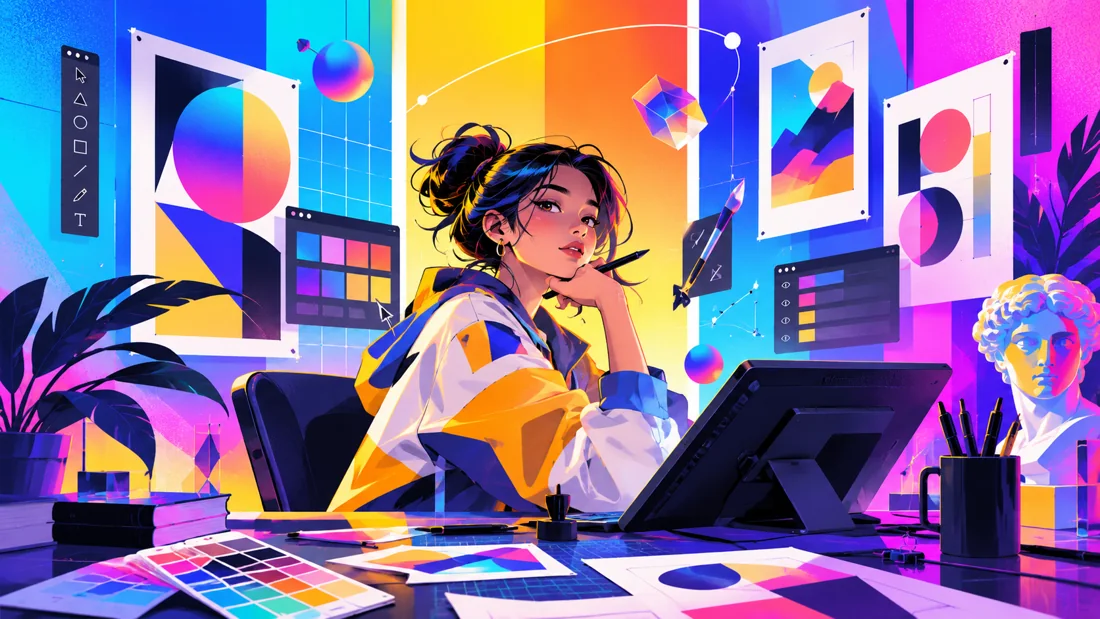
Concept illustration: colour studies, composition and digital tools support visual communication.

02 / FROM IDEA TO FINISHED WORK

The graphic design production journey.

Follow each stage in order to understand its purpose, the decisions involved and how its result supports the next step. Review and revision are part of every stage.

01

Brief, audience & research

Read the brief before choosing colours or fonts. Identify the message, audience, required formats and practical constraints. Study references to understand visual approaches, then decide which principles are relevant rather than copying a finished layout.

Practice focusWrite a short design brief with one clear communication goal.

02

Concepts & visual direction

Explore several rough directions through sketches, moodboards and composition studies. Test hierarchy and the relationship between text and images. Select a direction because it supports the brief, not simply because it contains more effects.

Practice focusCompare two concept directions and explain the strengths of each.

03

Typography, colour & composition

Develop a readable hierarchy using scale, contrast, spacing and alignment. Build a controlled colour palette and choose type that suits the message. Check the design at its intended size; fine detail that works on a large screen may disappear in a small social post.

Practice focusTest reading order at full size and at a small preview size.
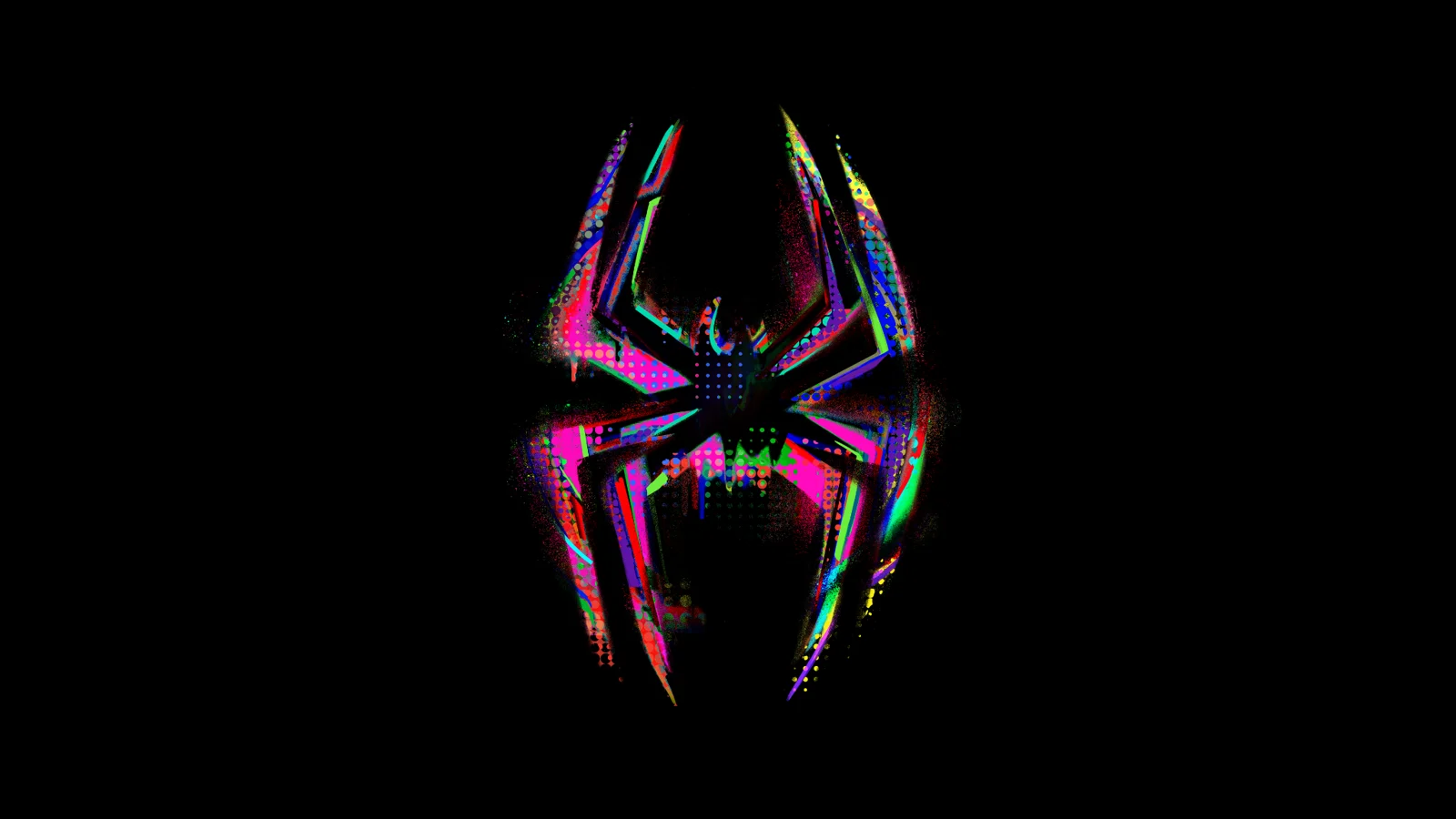
Creative reference: study how form, composition and visual detail support the finished image. Reference artwork, not a student project.
04

Digital artwork & layout production

Use the relevant image-editing, vector and layout tools to develop the design. Keep files organised, use consistent spacing and check image quality. The software is a means of executing the idea; visual judgement still determines whether the composition communicates well.

Practice focusBuild clean, editable artwork with organised layers and consistent styles.

05

Applications, review & export

Adapt the design to its required formats instead of stretching one layout everywhere. Check copy, margins, contrast and consistency across the set. Prepare export settings for the intended print or digital use and inspect the exported result.

Practice focusReview a small campaign across multiple sizes before delivery.

06

Portfolio case study

Show the brief, selected development work and final applications. Explain why your visual decisions fit the audience. Mockups provide context, but clear views of the actual artwork should remain easy to inspect.

Practice focusPresent one identity or campaign as a connected story.

03 / MAKE YOUR PROGRESS VISIBLE

Show the work. Explain the decisions.

Build short case studies showing the brief, visual direction and final applications. Explain why the typography, colour and layout suit the audience. Clear views of the actual design should lead the presentation, with mockups providing context for branding, digital or print work.

Keep the strongest work first. Use a short brief, selected process views and the final result to explain a project. Include feedback-driven improvements where they help someone understand your development. State which parts you created and credit shared assets.

04 / FIND YOUR DIRECTION

Connect your skills with a creative role.

Brand identity, digital marketing design and print production use overlapping skills but different deliverables. Build case studies that show audience awareness, consistent visual systems and careful production, using the formats covered by your programme.

05 / YOUR LEARNING JOURNEY

Explore the programme in detail.

Read the programme information below for the exact training topics, software and practical work. Month headings describe the teaching schedule; the process above explains how those skills connect in a production. Where a syllabus groups several months together, that grouping is retained.

Visual references illustrate creative workflows, not student project results. Project complexity follows the selected syllabus. Course completion does not guarantee employment.

Core Programme Syllabus
Certificate Program in Graphic Design
  • Duration: 3 Months | Basic to Advanced | Industry-Oriented
Course Summary

This intensive 3-month Certificate Program in Graphic Design is designed to take students from complete design fundamentals to advanced, industry-oriented graphic design practice. The program combines design theory, professional software training, creative problem-solving, practical assignments, real-world projects, advertising, branding, digital content, print production, and professional portfolio development.

Students will follow a structured Basic → Intermediate → Advanced → Professional learning pathway. Throughout the program, they will learn how to understand a design brief, develop creative concepts, create professional visual designs, maintain brand consistency, prepare artwork for digital and print platforms, and present their work professionally.

The course provides hands-on training in Adobe Photoshop, Adobe Illustrator, Adobe InDesign, Figma, and Canva, giving students exposure to both traditional graphic design workflows and modern digital content creation.

Month 1 – Design Foundation & Software Mastery

The first month focuses on building a strong foundation in visual communication, design principles, typography, color, composition, and professional software workflows.

Design Fundamentals
  • Design Principles & Visual Communication
  • Elements of Design
  • Color Theory & Color Psychology
  • Typography & Font Pairing
  • Composition & Visual Hierarchy
  • Grid Systems & Layout
  • Balance, Contrast & Alignment
  • Creative Concept Development
  • Design Research & Inspiration
Software Training
  • Adobe Photoshop – Basic to Intermediate
  • Adobe Illustrator – Fundamentals
  • Image Editing & Retouching
  • Photo Manipulation & Compositing
  • Vector Drawing & Shape Construction
  • Basic Illustration Techniques
Practical Training
  • Creative Design Exercises
  • Typography-Based Design
  • Photo Editing Projects
  • Social Media Creative Exercises
  • Poster Composition Exercises
  • Practical Design Assignments
Month 2 – Creative Design, Branding & Visual Identity

The second month moves students into intermediate-level graphic design, with a strong focus on branding, visual identity, advertising, and creative communication.

Advanced Software Skills
  • Adobe Photoshop – Advanced Techniques
  • Adobe Illustrator – Advanced Techniques
  • Adobe InDesign – Introduction to Professional Layout
  • Figma – Fundamentals
  • Canva – Professional Content Creation
Branding & Identity
  • Logo Design & Logo Construction
  • Logo Variations & Usage
  • Brand Strategy & Positioning
  • Brand Personality
  • Color & Typography Systems
  • Visual Identity Development
  • Brand Consistency
Creative Design
  • Poster & Key Visual Design
  • Brochure Design
  • Flyer Design
  • Corporate Design
  • Social Media Design System
  • Advertisement Creative Design
  • Digital Marketing Creatives
  • Mockup & Presentation Techniques
Practical Projects
  • Logo Design Project
  • Brand Identity Exercise
  • Poster Campaign
  • Brochure / Flyer Project
  • Social Media Creative Set
  • Real-World Design Brief
Month 3 – Advanced Design & Industry Practice

The final month focuses on advanced creative thinking, professional production, advertising campaigns, brand systems, and industry workflow.

Advanced Design
  • Advanced Branding & Identity Systems
  • Art Direction Fundamentals
  • Creative Direction Basics
  • Advertising Campaign Design
  • Social Media Campaign Development
  • Integrated Marketing Campaign
  • Digital & Print Advertisement
  • Packaging & Promotional Design
  • Creative Concept Development
  • Design for Multiple Platforms
Professional Production
  • Print Production & Prepress Basics
  • Print-Ready Artwork Preparation
  • Digital Design Specifications
  • File Organization & Export Settings
  • Professional Mockup Presentation
  • Multi-Platform Design Adaptation
Professional Practice
  • Understanding Client Briefs
  • Design Research & Concept Development
  • Client-Style Project Workflow
  • Creative Presentation Techniques
  • Design Feedback & Revision Process
  • Portfolio Development
  • Case Study Creation
  • Professional Presentation
Core Software — Must Learn
1. Adobe Photoshop
  • Image Editing • Retouching • Compositing • Photo Manipulation • Digital Advertising

Students will learn Photoshop from basic tools to advanced creative workflows, including professional image editing, retouching, compositing, advertising creatives, and digital artwork.

2. Adobe Illustrator
  • Vector Design • Logo Design • Illustration • Branding • Visual Identity

Students will learn professional vector-based design, logo construction, illustration, typography, brand elements, and complete visual identity development.

3. Adobe InDesign
  • Layout Design • Brochure • Magazine • Catalog • Print Production

Students will learn professional page layout, multi-page documents, brochures, catalogs, corporate documents, and print-ready production.

Additional Industry-Relevant Software
4. Figma
  • UI Design • Digital Layout • Design Systems • Prototyping

Students will understand the fundamentals of digital interface design, layout systems, components, design systems, and basic prototyping.

5. Canva
  • Social Media • Marketing Creatives • Presentations • Brand Templates

Canva will be used for fast and professional content production, including social media posts, marketing creatives, presentations, reusable brand templates, and digital promotional content.

Final Industry Project
Complete Brand Identity & Integrated Marketing Campaign

As the final project, students will develop a complete professional brand project from research and strategy to final presentation.

Project Deliverables
  • Brand Research & Creative Brief
  • Brand Strategy & Positioning
  • Target Audience & Competitor Research
  • Logo Identity System
  • Primary & Secondary Logo
  • Color & Typography System
  • Complete Visual Identity
  • Corporate Stationery
  • Social Media Identity System
  • Advertising Campaign
  • Poster / Brochure / Promotional Design
  • Packaging or Product Branding
  • Digital Marketing Creatives
  • Brand Guidelines / Brand Book
  • Professional Mockup Presentation
  • Portfolio Case Study
  • Final Client-Style Presentation
Professional Portfolio Development

Students will develop a professional, industry-ready portfolio throughout the course instead of creating a portfolio only at the end.

Portfolio Projects
  • Logo & Branding Projects
  • Advertising Designs
  • Social Media Campaigns
  • Poster & Key Visual Designs
  • Brochure & Print Design
  • Packaging / Product Design
  • Digital Marketing Creatives
  • UI / Digital Design Samples
  • Final Brand Identity Project
  • Integrated Marketing Campaign
  • Design Process & Case Studies
  • Each major project will be presented with:
  • Brief → Research → Concept → Design Process → Final Design → Mockup → Case Study

This helps students demonstrate not just what they designed, but also how and why they designed it.

Course Outcome

By the end of this 3-month program, students will progress from basic design fundamentals to advanced, industry-oriented graphic design practice.

  • Students will be able to:
  • Develop creative concepts from a design brief
  • Apply professional design principles
  • Create strong visual compositions
  • Work confidently with Photoshop and Illustrator
  • Create professional layouts using InDesign
  • Understand digital design workflows using Figma
  • Produce fast marketing content using Canva
  • Design logos and complete brand identities
  • Develop advertising and social media campaigns
  • Create digital and print-ready artwork
  • Understand basic packaging and promotional design
  • Build consistent visual systems for brands
  • Present concepts professionally to clients
  • Handle feedback and design revisions
  • Create professional mockups and presentations
  • Develop portfolio-quality case studies
  • Work on real-world, client-style design projects
Final Skill Level

Basic Design Fundamentals ↓ Software Proficiency ↓ Creative & Visual Design ↓ Branding & Advertising ↓ Advanced Design & Campaigns ↓ Industry Workflow ↓ Professional Portfolio & Presentation

Course Positioning

“3-Month Certificate Program in Graphic Design – Basic to Advanced | Professional Software | Industry-Oriented Projects | Portfolio Development”

Additional AI Tools & Practical Modules

The full regular syllabus is retained. Additional AI modules support the same production workflow; manual skills, editing, cleanup and creative judgement remain part of training.

Graphic Design with AI - AI Tools Syllabus

AI Tools Covered
  • Adobe Firefly
  • Adobe Photoshop AI
  • Adobe Illustrator AI
Module 1 - Adobe Firefly

AI Design Fundamentals

  • Introduction to Generative AI
  • Understanding Text-to-Image
  • Writing Effective Design Prompts
  • Prompt Structure
  • Style & Composition Control
  • Reference-Based Design
  • Generating Multiple Design Variations

AI Image Creation

  • Text-to-Image Generation
  • Background Generation
  • Product Background Creation
  • Advertising Visual Creation
  • Social Media Visuals
  • Poster Concept Generation
  • Brand Campaign Visuals
  • Creative Concept Development

Design Workflow

  • Generating Visual References
  • Moodboard Creation
  • Concept Exploration
  • Creating Assets for Photoshop
  • Creating Assets for Illustrator
  • Image Variations
  • Creative Direction with AI

Projects

  • AI Advertising Visual
  • Social Media Campaign Visual
  • Poster Concept
  • Product Promotion Artwork
Module 2 - Adobe Photoshop AI

AI Image Editing

  • Introduction to Photoshop AI Workflow
  • Generative Fill
  • Generative Expand
  • Object Addition
  • Object Removal
  • Object Replacement
  • Background Removal
  • Background Replacement
  • Image Extension
  • Image Reconstruction

AI Retouching & Manipulation

  • Photo Cleanup
  • Product Retouching
  • Portrait Enhancement
  • Creative Image Manipulation
  • Environment Modification
  • Changing Clothing / Objects for Concepts
  • Lighting Enhancement
  • Image Composition

Commercial Design with AI

  • Advertising Poster Creation
  • Product Advertisement
  • Social Media Creatives
  • YouTube Thumbnail Creation
  • Promotional Artwork
  • Brand Campaign Designs
  • E-commerce Product Visuals

AI + Traditional Photoshop Workflow

  • AI Generation + Layers
  • AI + Masks
  • AI + Selection Tools
  • AI + Adjustment Layers
  • AI + Typography
  • AI + Manual Retouching
  • Final Color Correction
  • Professional Finishing

Projects

  • AI Product Advertisement
  • AI Photo Manipulation
  • Social Media Advertisement
  • Professional Promotional Poster
Module 3 - Adobe Illustrator AI

AI Vector Design

  • Introduction to AI-Assisted Vector Design
  • Text-to-Vector Workflow
  • Vector Graphic Generation
  • Icon Generation
  • Shape Generation
  • Decorative Element Creation
  • Vector Style Exploration

AI Branding Workflow

  • Logo Concept Exploration
  • Brand Symbol Ideas
  • Icon Set Creation
  • Pattern Generation
  • Packaging Graphic Concepts
  • Brand Illustration
  • Supporting Brand Elements

AI Illustration

  • Vector Illustration
  • Character Illustration Concepts
  • Flat Illustration
  • Decorative Graphics
  • Social Media Illustrations
  • Infographic Elements
  • Vector Backgrounds

AI + Traditional Illustrator Workflow

  • AI-Generated Vector Editing
  • Pen Tool Refinement
  • Shape Editing
  • Pathfinder
  • Typography Integration
  • Color Adjustment
  • Gradient Application
  • Vector Cleanup
  • Preparing Final Artwork

Projects

  • AI Vector Illustration
  • Icon Set
  • Brand Pattern
  • Logo Concept Presentation
  • Promotional Vector Artwork

AI Prompt Engineering for Designers

  • How to Write Clear Prompts
  • Subject + Style + Composition Prompts
  • Lighting Prompts
  • Camera Angle Prompts
  • Background Prompts
  • Advertising Prompts
  • Product Design Prompts
  • Poster Design Prompts
  • Brand Visual Prompts
  • Generating Multiple Variations
  • Refining AI Results
  • Selecting the Best Output

AI + Graphic Design Workflow Idea → Prompt → AI Generation → Photoshop Editing → Illustrator Vector Design → Typography → Branding → Final Design

Final AI Projects

1 AI Advertising Poster 2 AI Social Media Campaign 3 AI Product Advertisement 4 Generative Photoshop Composite 5 AI Background Replacement Project 6 AI Vector Illustration 7 AI Icon Set 8 AI Brand Pattern 9 AI-Assisted Brand Identity Concept 10 Final Graphic Design + AI Campaign Course Outcome

  • Generate creative design concepts using AI
  • Write effective prompts for graphic design
  • Create AI-generated advertising visuals
  • Edit and enhance AI images in Photoshop
  • Use AI for background and object generation
  • Create AI-assisted vector graphics
  • Develop icons and illustration concepts
  • Combine AI with traditional graphic design skills
  • Create social media and advertising designs
  • Develop AI-assisted branding concepts
  • Produce portfolio-ready Graphic Design + AI projects
Important Learning Approach

AI tools are used to support and speed up the design process, while students continue to learn essential skills such as Design Principles, Typography, Color Theory, Composition, Photoshop, Illustrator, Branding, and Creative Thinking. AI is integrated into the professional design workflow rather than replacing fundamental graphic design skills.

Programme Planning

The duration shown is the core programme duration. Ask admissions about AI session allocation, tool access and any additional training time before enrolling.

Contact Management to Enrol

YOUR CREATIVE TOOLKIT

Software you'll explore

Follow the syllabus below for each tool’s role and learning level.

Adobe Photoshop
Adobe Illustrator
Adobe InDesign
Figma
Canva
Adobe Firefly