
 After Effects
THE CREATIVE PROCESS / Motion Graphics
Design that moves with purpose.
Motion graphics combines visual design with time. Type, shapes and images can guide attention, explain a concept or communicate a brand’s personality. Movement is most effective when it makes the message easier to understand.
Plan style frames and a storyboard before animating. Establish key poses, refine timing and easing, then connect the scenes with purposeful transitions. Check that text remains readable and that changes in scale, colour and movement support a consistent hierarchy.
Explore the complete creative process below, then read the selected programme syllabus for its software, topics and project scope. These production stages explain how the discipline works; they are not a replacement for the month-by-month training plan.
01 / THINK LIKE A CREATOR
What can you create?
Create animated titles, brand sequences, explainers and short promotional pieces. Motion can establish a mood or make an idea easier to follow. Begin with a clear message and design frames that remain readable before introducing movement.
02 / FROM IDEA TO FINISHED WORK
The motion graphics production journey.
Follow each stage in order to understand its purpose, the decisions involved and how its result supports the next step. Review and revision are part of every stage.
Message & storyboard
Define what the viewer should understand and in what order. Break the message into scenes and sketch a storyboard. This helps establish timing and transitions before detailed production, reducing the chance of attractive animation that does not explain anything.
Practice focusCreate a short storyboard with one purpose for each scene.
Style frames & asset preparation
Choose typography, colours, shapes and imagery that work as a coherent system. Design key frames and prepare the assets in an organised form. Check hierarchy and contrast while the composition is still static.
Practice focusMake the first, middle and final frames readable without animation.
Keyframes, timing & easing
Animate the main actions with clear starting and ending poses. Refine timing, spacing and easing to communicate the intended character of the movement. Keep secondary motion subordinate to the main message so that attention remains focused.
Practice focusCompare the same title animation with different timing and easing.

Transitions & scene continuity
Connect scenes through consistent motion and visual relationships. A transition should help the viewer follow the sequence, not interrupt it. Review pacing across the full piece and allow enough time for essential text to be read.
Practice focusPlay the sequence without pausing and identify any information that passes too quickly.
3D integration & compositing
Where the programme covers 3D work, plan how it supports the design. Match the camera, light and composition of the combined elements. Check how depth and movement affect the reading order instead of adding complexity for its own sake.
Practice focusTest a short integrated shot before building the full sequence.
Sound, output & portfolio
Use audio to support rhythm and review the final export for text, timing and image quality. Present selected work with a brief explanation of the design and animation you completed. Include process frames when they clarify the idea.
Practice focusShow a finished sequence alongside its storyboard and style frames.
03 / MAKE YOUR PROGRESS VISIBLE
Show the work. Explain the decisions.
Show a concise reel with a few supporting breakdowns. Include style frames when they help explain your idea, and identify your design and animation contribution. The monthly projects below develop the software and production skills relevant to the selected programme.
Keep the strongest work first. Use a short brief, selected process views and the final result to explain a project. Include feedback-driven improvements where they help someone understand your development. State which parts you created and credit shared assets.
04 / FIND YOUR DIRECTION
Connect your skills with a creative role.
Motion design, title animation and promotional content require both visual design and timing. Present a reel supported by a few breakdowns that show your storyboard, style frames and animation decisions.
05 / YOUR LEARNING JOURNEY
Explore the programme in detail.
Read the programme information below for the exact training topics, software and practical work. Month headings describe the teaching schedule; the process above explains how those skills connect in a production. Where a syllabus groups several months together, that grouping is retained.
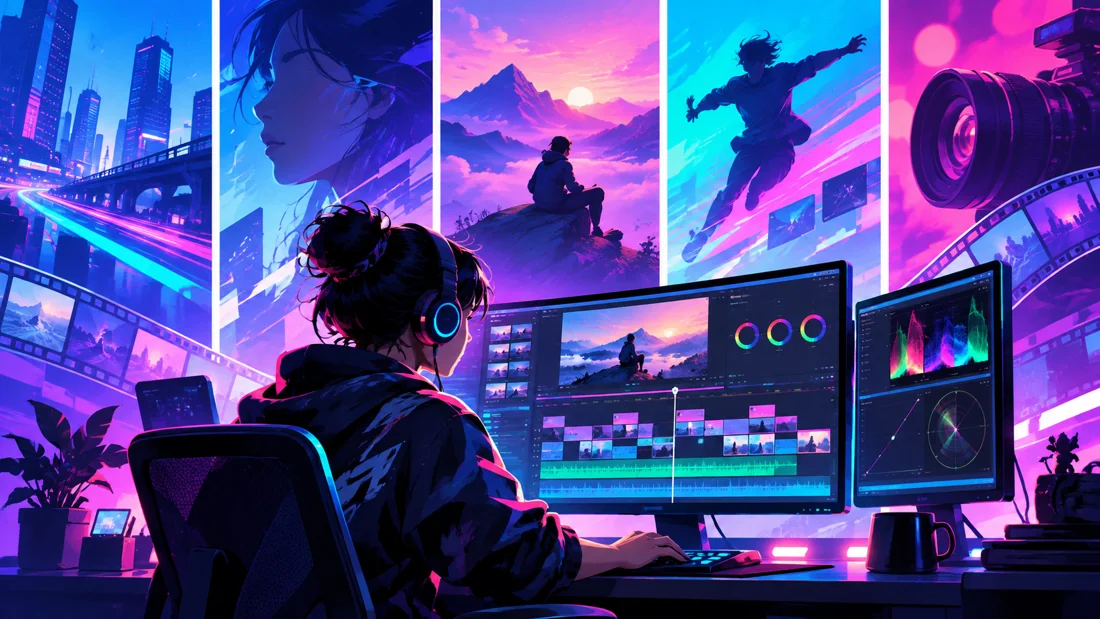
Visual references illustrate creative workflows, not student project results. Project complexity follows the selected syllabus. Course completion does not guarantee employment.