
Industrial Diploma in VFX & 3D

Industrial Diploma in VFX & 3D course concept artwork
Autodesk Maya
+
Adobe Photoshop
◷ 6 Months — Basic to Intermediate◈ Multimedia
YOUR CREATIVE TOOLKIT
Autodesk MayaAdobe PhotoshopBlenderPremiere ProAfter EffectsNuke

Industrial Diploma in VFX & 3D

VFX Fundamentals → Photoshop → Premiere Pro → After Effects VFX → Rotoscoping → Tracking → Cleanup → Nuke Compositing → Maya 3D → Lighting → Animation → Rendering → CG Integration → Final Project → Portfolio

THE CREATIVE PROCESS / VFX & 3D

Make separate elements feel like one shot.

Visual effects combines footage, images and digital elements into a coherent result. Perspective, light, colour and movement need to agree. Small differences in sharpness, grain or shadows can make an otherwise detailed composite feel disconnected.

Study the source footage, prepare the elements and organise the composite. Solve broad integration issues before refining small details. Review the result in motion and compare it with the original plate, paying attention to edges, scale, light direction and motion blur.

Explore the complete creative process below, then read the selected programme syllabus for its software, topics and project scope. These production stages explain how the discipline works; they are not a replacement for the month-by-month training plan.

01 / THINK LIKE A CREATOR

What can you create?

Build effects shots by combining footage, prepared images and digital elements. Cleanup, screen replacement and CG integration solve different problems but all require careful observation of the source plate. Start with a shot whose requirements you can clearly identify.
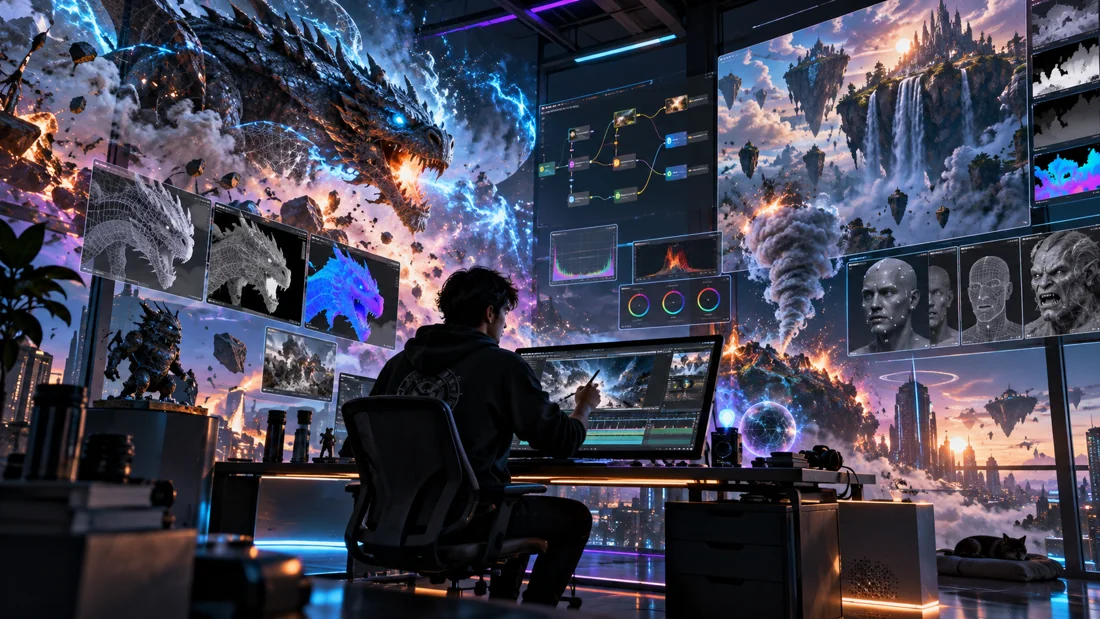
Concept illustration: digital elements, compositing and finishing contribute to an effects shot.

02 / FROM IDEA TO FINISHED WORK

The vfx & 3d production journey.

Follow each stage in order to understand its purpose, the decisions involved and how its result supports the next step. Review and revision are part of every stage.

01

Shot analysis & planning

Study the source plate and define what must change. Identify camera movement, light direction, perspective and areas that require preparation. Plan the elements and passes you will need before beginning the composite.

Practice focusWrite a shot brief and identify the main integration challenges.

02

Rotoscoping, tracking & cleanup

Prepare the footage using the techniques covered in the syllabus. Isolation, motion tracking and cleanup provide a workable foundation for added elements. Review the result over time, because errors that are subtle in one frame can become obvious in motion.

Practice focusInspect edges and tracked elements through the full shot.

03

3D asset & scene preparation

When a shot needs CG, build or prepare the required model, materials and scene. Match scale and perspective to the plate. Keep the asset focused on what the camera needs to see, and review it in the context of the intended shot.

Practice focusTest the CG element against the plate before refining small details.
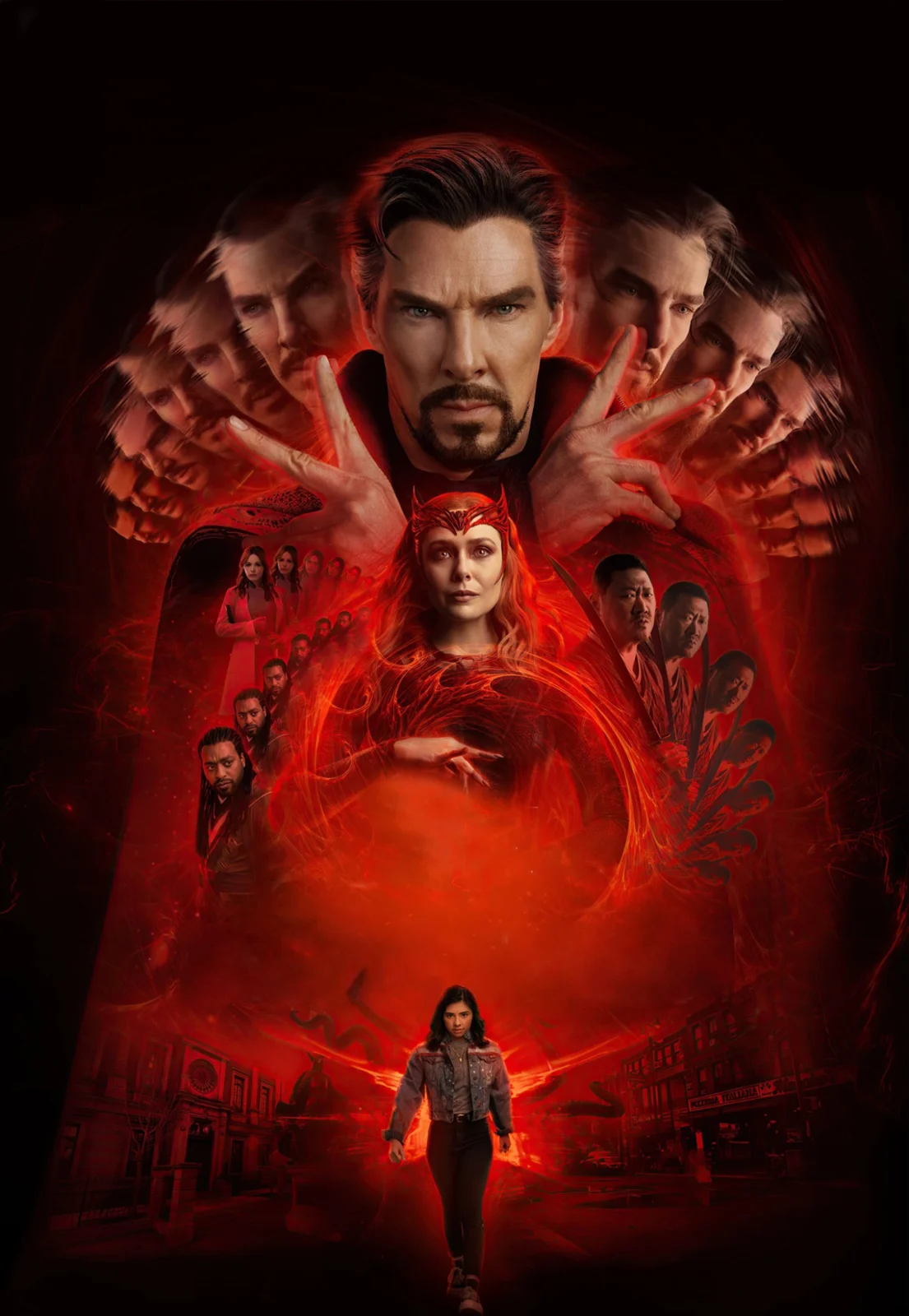
Creative reference: study how form, composition and visual detail support the finished image. Reference artwork, not a student project.
04

Lighting, cameras & render passes

Match the camera and light behaviour as closely as the shot requires. Plan useful render outputs for compositing and make small tests first. Shadows, reflections and surface response all contribute to whether the element belongs in the scene.

Practice focusCompare the CG lighting with visible cues in the source footage.

05

Compositing & integration

Combine the elements and refine colour, contrast, edges and depth. Check sharpness, grain, motion blur and shadows against the plate. Work from the largest visual mismatch towards smaller details, reviewing the sequence both in motion and on selected frames.

Practice focusCompare the original plate and composite to identify remaining inconsistencies.

06

Quality review & breakdown

Play the exported shot from start to finish and check for frame-specific problems. Build a concise breakdown that makes the process understandable. Showing how you solved the integration problem is more informative than presenting an unexplained effect alone.

Practice focusPresent the plate, selected layers and final composite with accurate credits.

03 / MAKE YOUR PROGRESS VISIBLE

Show the work. Explain the decisions.

Present source material, selected intermediate stages and the finished shot. Credit shared footage or assets and explain the cleanup, tracking, CG preparation or compositing you completed. The programme below defines the techniques and production depth covered.

Keep the strongest work first. Use a short brief, selected process views and the final result to explain a project. Include feedback-driven improvements where they help someone understand your development. State which parts you created and credit shared assets.

04 / FIND YOUR DIRECTION

Connect your skills with a creative role.

Compositing, cleanup and CG integration need different technical evidence. Use breakdowns to show the original material, your intervention and the final result. State your contribution accurately and credit footage, models or elements supplied by others.

05 / YOUR LEARNING JOURNEY

Explore the programme in detail.

Read the programme information below for the exact training topics, software and practical work. Month headings describe the teaching schedule; the process above explains how those skills connect in a production. Where a syllabus groups several months together, that grouping is retained.

Visual references illustrate creative workflows, not student project results. Project complexity follows the selected syllabus. Course completion does not guarantee employment.

- Industrial Diploma in VFX & 3D
  • Duration: 6 Months | Basic to Intermediate | Industry-Oriented | Project-Based
Software Covered
  • Adobe Photoshop
  • Adobe Premiere Pro
  • Adobe After Effects
  • Foundry Nuke
  • Autodesk Maya
  • Blender — Optional / Where Required
  • Complete Course Workflow

VFX Fundamentals → Photoshop → Premiere Pro → After Effects VFX → Rotoscoping → Tracking → Cleanup → Nuke Compositing → Maya 3D → Lighting → Animation → Rendering → CG Integration → Final Project → Portfolio

Month 1 — VFX Foundation, Photoshop & Premiere Pro
  • VFX Fundamentals
  • Introduction to Visual Effects
  • VFX Industry Overview
  • VFX Production Pipeline
  • Pre-Production
  • Production
  • Post-Production
  • Understanding VFX Shots
  • Green Screen Fundamentals
  • CG Elements
  • Compositing Fundamentals
  • Frame Rate
  • Resolution
  • Aspect Ratio
  • Image Sequences
  • File Formats
  • Alpha Channels
  • Basic Color Understanding
  • Light, Shadow & Perspective Fundamentals
  • Adobe Photoshop
  • Interface & Workspace
  • Layers
  • Masks
  • Selection Tools
  • Pen Tool Basics
  • Channels Basics
  • Photo Retouching
  • Image Cleanup
  • Background Removal
  • Photo Manipulation
  • Color Correction
  • Image Compositing
  • Clone Stamp
  • Healing Tools
  • Object Removal
  • Matte Preparation
  • Texture Preparation
  • Reference Image Preparation
  • VFX Style Frame Creation
  • Adobe Premiere Pro
  • Interface & Workspace
  • Project Setup
  • Media Import & Organization
  • Timeline
  • Cutting & Trimming
  • Video Editing Fundamentals
  • Transitions
  • Titles
  • Audio Fundamentals
  • Speed Adjustment
  • Slow Motion
  • Basic Color Correction
  • Lumetri Color Basics
  • Adjustment Layers
  • VFX Shot Organization
  • Proxy Basics
  • Export Settings
  • VFX Plate Export
  • Projects
  • Background Replacement
  • VFX Style Frame
  • Short Cinematic Edit
  • VFX Plate Preparation
Month 2 — After Effects for VFX
  • After Effects Fundamentals
  • Interface & Workspace
  • Composition Setup
  • Layers & Timeline
  • Transform Properties
  • Keyframes
  • Anchor Point
  • Parenting
  • Null Objects
  • Pre-Compositions
  • Adjustment Layers
  • Blending Modes
  • Masks
  • Track Mattes
  • Graph Editor Basics
  • Green Screen / Chroma Key
  • Green Screen Workflow
  • Keylight
  • Screen Matte
  • Edge Refinement
  • Spill Suppression
  • Background Replacement
  • Light Matching
  • Color Matching
  • Shadow Matching Basics
  • Rotoscoping
  • Mask-Based Rotoscoping
  • Roto Brush
  • Object Isolation
  • Foreground Extraction
  • Moving Subject Roto
  • Edge Refinement
  • Motion Tracking
  • Point Tracking
  • Position Tracking
  • Rotation Tracking
  • Scale Tracking
  • Null Object Tracking
  • Text & Graphic Tracking
  • Camera Tracking
  • 3D Camera Tracker
  • Track Point Creation
  • Camera Solve Basics
  • Text Integration
  • Graphic Integration
  • Basic CG Placement
  • Screen Replacement
  • Mobile Screen Replacement
  • Laptop Screen Replacement
  • TV / Monitor Replacement
  • Corner Pin
  • Perspective Matching
  • Reflection Basics
  • Cleanup
  • Object Removal Basics
  • Wire Removal Basics
  • Marker Removal
  • Clone Stamp for Video
  • Content-Aware Fill Basics
  • Projects
  • Green Screen Composite
  • Rotoscoping Shot
  • Motion Tracking Shot
  • Camera Tracking Shot
  • Screen Replacement
  • Object Removal Shot
Creative reference: study composition, visual hierarchy and presentation in the finished image. Reference artwork, not student work.
Month 3 — VFX Compositing & Effects
  • Compositing Fundamentals
  • Foreground / Background Integration
  • Alpha Channel Workflow
  • Perspective Matching
  • Scale Matching
  • Light Matching
  • Color Matching
  • Contrast Matching
  • Shadow Integration
  • Reflection Basics
  • Depth Creation
  • Atmospheric Perspective
  • Motion Blur Matching
  • Grain Matching
  • Defocus Basics
  • VFX Effects
  • Glow Effects
  • Light Rays
  • Lens Flare
  • Sparks
  • Dust
  • Smoke Basics
  • Fog
  • Rain Effects
  • Energy Effects
  • Fire Integration Basics
  • Particle Basics
  • Camera Shake
  • Impact Effects
  • Environment Enhancement
  • Sky Replacement
  • Day-to-Night Basics
  • Environment Enhancement
  • Fog Addition
  • Light Enhancement
  • Depth Enhancement
  • Cinematic Atmosphere
  • Basic Environment Extension
  • Projects
  • Sky Replacement
  • Atmospheric VFX Shot
  • Energy Effect Shot
  • Green Screen Advertisement
  • Final After Effects VFX Composite
Month 4 — Foundry Nuke Compositing
  • Nuke Fundamentals
  • Nuke Interface
  • Viewer
  • Node Graph
  • Read & Write Nodes
  • Transform
  • Merge
  • Reformat
  • Crop
  • Blur
  • Grade
  • ColorCorrect
  • Saturation
  • Exposure
  • Channels & Alpha
  • RGB Channels
  • Alpha Channel
  • Matte Understanding
  • Premult
  • Unpremult
  • Shuffle Basics
  • Channel Workflow
  • Rotoscoping
  • Roto Node
  • Bezier Shapes
  • Shape Animation
  • Object Isolation
  • Edge Control
  • Basic Motion Blur
  • Paint & Cleanup
  • RotoPaint
  • Clone
  • Paint
  • Marker Removal
  • Wire Cleanup
  • Object Cleanup
  • Keying
  • Keying Fundamentals
  • Green Screen Keying
  • Edge Refinement
  • Despill Basics
  • Garbage Matte
  • Holdout Matte
  • Background Integration
  • Tracking
  • 2D Tracking
  • Tracker Node
  • Stabilization Basics
  • Match Move Basics
  • Nuke Compositing
  • Foreground / Background Merge
  • Light Matching
  • Color Matching
  • Edge Treatment
  • Grain Basics
  • Defocus
  • Atmospheric Integration
  • Multi-Layer Compositing
  • Projects
  • Nuke Roto Shot
  • Paint Cleanup Shot
  • Green Screen Composite
  • Tracking Composite
  • Final Nuke VFX Shot
Month 5 — Autodesk Maya for VFX & 3D
  • Maya Fundamentals
  • Maya Interface & Workspace
  • Viewport Navigation
  • Object Selection
  • Move / Rotate / Scale
  • Pivot & Transform
  • Outliner
  • Channel Box
  • Attribute Editor
  • Scene Organization
  • 3D Modeling
  • Polygon Modeling
  • Vertex / Edge / Face
  • Extrude
  • Bevel
  • Insert Edge Loop
  • Multi-Cut Tool
  • Bridge
  • Merge
  • Duplicate
  • Mirror
  • Hard-Surface Modeling Basics
  • Product Modeling
  • Prop Modeling
  • Basic Environment Modeling
  • Model Cleanup
  • Basic Topology Understanding
  • UV & Texturing
  • UV Fundamentals
  • UV Editor
  • Basic UV Unwrapping
  • Texture Placement
  • Image Textures
  • PBR Fundamentals
  • Base Color
  • Roughness
  • Metallic
  • Normal Maps
  • Materials
  • Material Fundamentals
  • Basic Shader Workflow
  • Metal
  • Plastic
  • Glass
  • Rough Surfaces
  • Emission Materials
  • Lighting
  • Lighting Fundamentals
  • Area Lights
  • Directional Lights
  • Point Lights
  • Spot Lights
  • Three-Point Lighting
  • Product Lighting
  • Environment Lighting
  • HDRI Basics
  • Cinematic Lighting Basics
  • Camera
  • Camera Setup
  • Focal Length
  • Camera Composition
  • Depth of Field
  • Basic Camera Movement
  • Projects
  • Product Model
  • Hero Prop
  • Basic Environment
  • Textured Asset
  • Product Lighting Render
Month 6 — Maya Animation, Rendering & VFX Integration
  • Maya Animation
  • Animation Fundamentals
  • Keyframes
  • Timeline
  • Dope Sheet Basics
  • Graph Editor Basics
  • Object Animation
  • Product Animation
  • Mechanical Animation Basics
  • Logo Animation Basics
  • Camera Animation
  • Loop Animation Basics
  • Rendering
  • Render Settings
  • Resolution
  • Sampling Basics
  • Image Sequence Rendering
  • Alpha Background
  • Render Optimization
  • Output Settings
  • Render Pass Fundamentals
  • Render Pass Basics
  • Combined / Beauty Pass
  • Shadow Pass
  • Ambient Occlusion
  • Depth Pass
  • Normal Pass Introduction
  • Basic Multi-Pass Workflow
  • Maya + After Effects Workflow
  • Maya Render Export
  • Image Sequence Import
  • Alpha Channel Workflow
  • Render Compositing
  • Color Correction
  • Effects Integration
  • Final Shot Finishing
  • Maya + Nuke Workflow
  • Render Sequence Import
  • Alpha Workflow
  • Render Pass Integration
  • CG Integration
  • Light & Color Matching
  • Shadow Integration
  • Atmospheric Integration
  • Final Composite
  • 3D + Live Action Integration
  • Understanding Matchmove
  • Perspective Matching
  • Camera Tracking Workflow
  • CG Object Placement
  • Scale Matching
  • Lighting Matching
  • Shadow Matching
  • Reflection Matching Basics
  • Contact Shadows
  • Motion Blur Matching
  • Grain Matching
  • Color Matching
  • CG + Live Action Composite
  • Blender — Optional / Where Required
  • Blender is not the primary 3D software in this program.
  • It may be introduced when required for:
  • Specific project workflows
  • Real-time viewport experimentation
  • Additional modeling practice
  • Quick concept visualization
  • Selected rendering workflows
  • Student project requirements
  • The primary 3D production workflow will be taught using Autodesk Maya.
  • Professional Workflow
  • Understanding a VFX Brief
  • Reference Collection
  • Shot Breakdown
  • Footage Organization
  • Asset Organization
  • Folder Structure
  • File Naming
  • Version Management
  • Project Backup
  • Shot Review
  • Revision Workflow
  • Export Formats
  • Final Delivery
  • Final Industry Projects
  • Green Screen Composite
  • Rotoscoping Shot
  • Motion Tracking Shot
  • Camera Tracking Shot
  • Screen Replacement
  • Cleanup / Object Removal Shot
  • Atmospheric VFX Composite
  • Nuke Keying Composite
  • Nuke Roto & Paint Shot
  • Maya 3D Product Model
  • Maya Product Animation
  • CG Object + Live Action Integration
  • VFX Advertisement
  • Final VFX & 3D Production Shot
  • Beginner-to-Intermediate Portfolio / Showreel
Course Outcome
  • By the end of the program, students will understand:
  • VFX Production Pipeline
  • Photoshop for VFX
  • Premiere Pro Video Editing
  • After Effects VFX
  • Green Screen
  • Rotoscoping
  • Motion Tracking
  • Camera Tracking
  • Screen Replacement
  • Cleanup & Object Removal
  • VFX Effects
  • Nuke Node-Based Compositing
  • Nuke Roto & Paint
  • Nuke Keying
  • Autodesk Maya Modeling
  • UV Mapping Fundamentals
  • Materials & Texturing
  • Lighting
  • Camera Setup
  • 3D Animation
  • Rendering
  • Render Pass Fundamentals
  • Maya + Nuke Workflow
  • Maya + After Effects Workflow
  • CG + Live Action Integration
  • Portfolio Presentation
Career Opportunities
  • Students can explore entry-level opportunities such as:
  • Junior VFX Artist
  • Junior Compositor
  • Roto Artist
  • Roto / Paint Artist
  • Cleanup Artist
  • Junior Nuke Artist
  • Video Editor
  • Junior 3D Artist
  • Maya Artist Trainee
  • Junior Modeling Artist
  • Product Visualization Artist Trainee
  • Junior CG Artist
  • VFX Production Artist
  • Multimedia Artist
  • Course Level
  • Basic → Foundation → Practical Production → Intermediate

Advanced Nuke compositing, advanced Maya production, complex CG integration, advanced lighting/rendering, advanced matchmove, and professional specialization can be covered in the 1-Year Professional Diploma in VFX & 3D.

Contact Management to Enrol

YOUR CREATIVE TOOLKIT

Software you'll explore

Follow the syllabus below for each tool’s role and learning level.

Autodesk Maya
Adobe Photoshop
Blender
Premiere Pro
After Effects
Nuke